November 10, 2026
How to Get Real Results from Generative AI Training
By @thepracticalaitrainingspot
Many professionals have heard about generative AI, but knowing where to start can feel overwhelming. The gap between understanding what these tools can do and actually building something useful is where most people get stuck. Short workshops and online tutorials often skip the messy middle: how to go from an idea to a working prototype that you can test and refine.
The difference between passive learning and real skill development comes down to hands-on work. Watching someone else prompt a model or generate an image does not build the judgment needed to handle edge cases, choose the right tool, or fix a broken output. That is why more organisations are turning to formats that let participants plan, build, test, and launch a simple generative AI application in a condensed timeframe without writing code. This kind of practical AI training makes the learning stick because every concept is immediately applied to a concrete goal.
Start with the Problem, Not the Tool
A common mistake in AI training is to begin by exploring what a model can do. The model can do a lot, which is exactly the problem. Without a clear problem to solve, you end up with a generic chatbot or a content generator that does not fit your workflow.
The better approach is to define a specific task that currently takes too much time, involves repetitive manual steps, or suffers from inconsistency. For example, drafting routine emails to clients, summarising meeting notes, or generating product descriptions from raw data. Once you have that task, you can decide whether a generative AI tool is the right solution and what kind of output you need.
This problem-first mindset keeps the project small and focused. It also makes the later decisions easier: which data to prepare, how to structure prompts, and what success looks like.
Understand the Generative AI Workflow
Building a generative AI app without coding relies on a clear workflow. The core steps are consistent whether you are using a no-code platform, a visual builder, or an API playground.
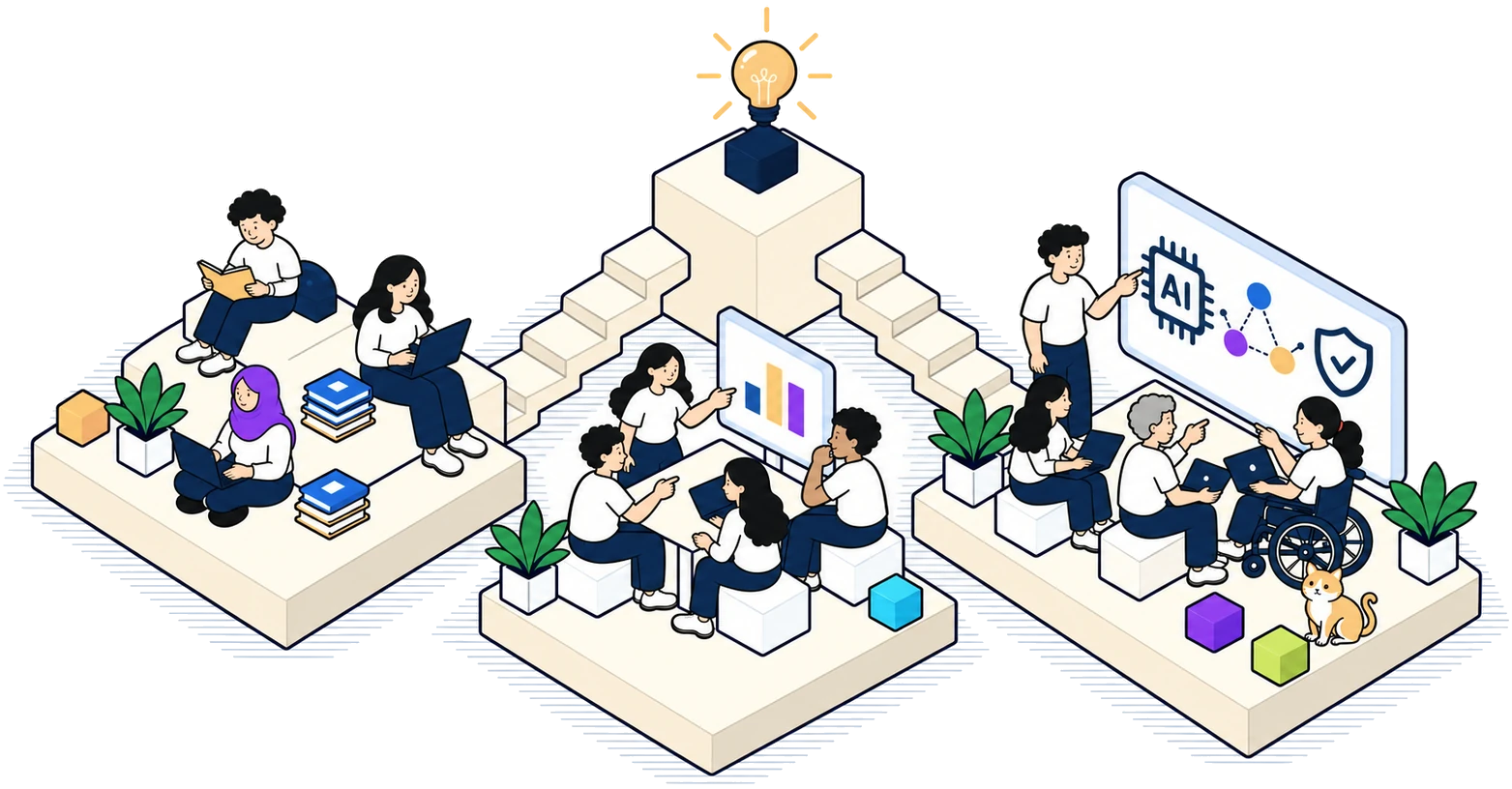
First, you define the input and output. What information does the app need from the user, and what should it produce? Second, you prepare any reference material or examples that the model will use to shape its responses. This could be a set of approved templates, a style guide, or a few high-quality examples of the desired output. Third, you design the prompt that instructs the model. Prompt engineering is not about magic phrases; it is about being explicit about format, tone, length, and constraints.
After the prompt is set, you test the app with a handful of realistic inputs. You observe where the output fails and adjust the prompt or the input data accordingly. This loop of testing and refining is where most of the learning happens. Once the app produces reliable results, you can deploy it for real use, often through a simple web interface or an integration with existing tools.
This generative AI workflow applies to almost every no-code project. Understanding it gives you a mental model that transfers across platforms, so you are not locked into a single vendor.
Data Preprocessing Makes or Breaks the Output
One aspect that beginners often overlook is how much the quality of input data affects the output. A model that receives messy, inconsistent, or poorly labelled reference material will produce equally messy results. Data preprocessing does not have to be technical. It simply means cleaning up the examples you give the model: removing duplicates, correcting spelling errors, ensuring consistent formatting, and removing irrelevant information.
For instance, if you want the app to generate professional email replies, the examples you provide must reflect the tone and structure you expect. If the examples are mixed between casual and formal, the model will mix them too. Investing time in preparing a small, high-quality set of examples almost always pays off in fewer iterations during testing.
Model Fine-Tuning vs Prompt Engineering
There is a common confusion between fine-tuning a model and engineering prompts. Fine-tuning involves retraining a model on a custom dataset, which changes its underlying behaviour. It is powerful but requires access to the model's training infrastructure and a substantial amount of labelled data. For most practical business applications, prompt engineering is the more accessible route.
Prompt engineering lets you guide a pre-trained model's output without modifying the model itself. By carefully structuring the instruction, providing context, and including examples, you can achieve results that are specific enough for many tasks. The trade-off is that prompt engineering relies on the model's existing knowledge, so it may not work well for highly specialised domains. In those cases, fine-tuning or using a specialised model might be necessary, but that is a decision best made after exhausting simpler options first.
Testing and Validation Are Not Optional
The most important phase of building any AI application is testing. A prototype that works perfectly on three test cases may fail on the fourth because of an unexpected variation in user input. Systematic testing helps you catch these failures before the app goes live.
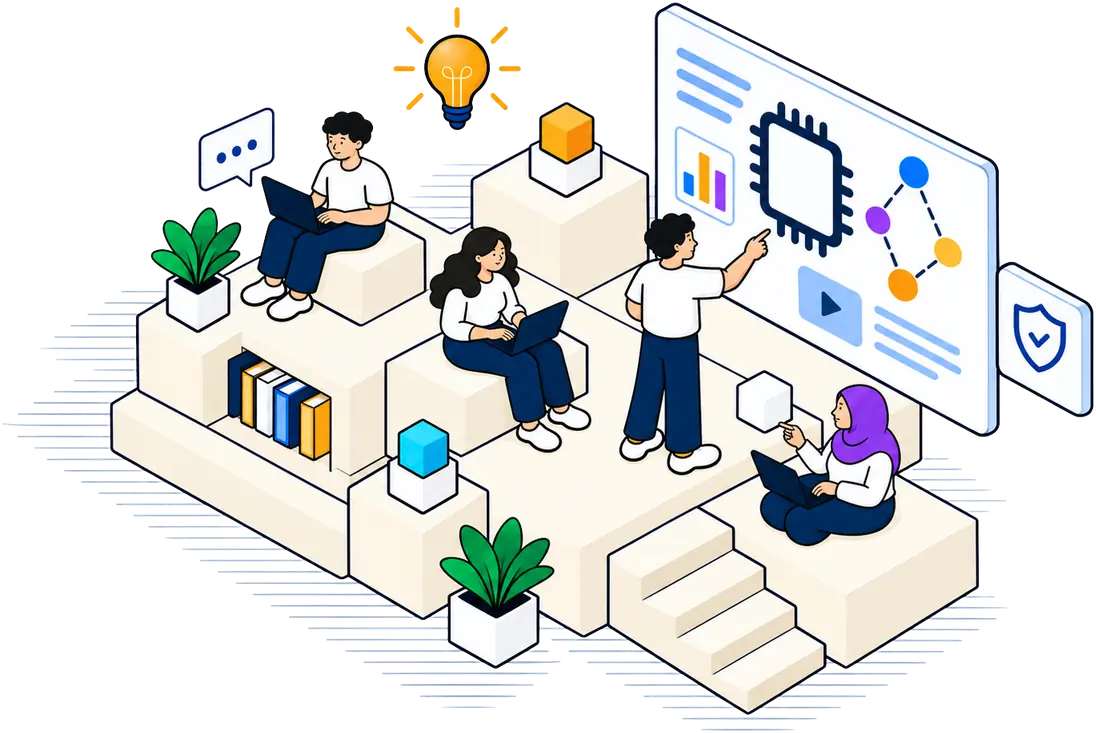
Create a small set of test inputs that cover normal cases, edge cases (very short inputs, very long inputs, unusual phrasing), and inputs that should trigger a polite refusal rather than a generated response. Run each test and note whether the output is accurate, appropriate, and formatted correctly. If you find a failure pattern, go back to the prompt or the reference data and make a targeted fix. Then rerun the same tests to confirm the fix does not break other cases.
This cycle of testing and validation is what separates a demo from a deployable tool. It also builds the judgment that comes with real experience. A person who has gone through this loop a few times understands the fragility of generative AI outputs and learns to design around it.
For anyone serious about building useful tools, this kind of practical AI training is indispensable. It moves you from theory to a working application that you can actually use and improve.
Deployment Pipeline for a No-Code App
Once the app passes your tests, the next step is deployment. In a no-code context, deployment usually means publishing the app to a web page, embedding it in a collaboration tool, or sharing a link with a small team. The key is to keep the deployment simple and reversible. You do not need a production-grade infrastructure for a pilot project.
Many no-code platforms offer built-in hosting, user access controls, and logging. Use those features to monitor how the app is being used. Check the logs periodically to see what inputs users are entering and what outputs the model is producing. This real-world usage data is gold for further refinement. Over time, you may notice new patterns that suggest a different prompt structure or additional reference material.
Common Pitfalls to Watch For
Even with a solid workflow, beginners tend to fall into a few traps. One is overcomplicating the prompt. A prompt with too many instructions often confuses the model. Keep it simple: state the task, provide an example, and specify the format. Another trap is skipping the preprocessing step because the examples seem fine at a glance. Inconsistencies in the reference data will show up as unpredictable outputs.
Another frequent issue is treating the first successful output as the final version. Generative AI is probabilistic, so the same prompt can produce different outputs on different runs. Run the same test multiple times to see the range of outputs. If the variation is too wide, tighten the prompt constraints or add more examples.
Finally, do not try to automate everything at once. Start with a single, well-defined task. Once that works reliably, you can expand to related tasks. Building in small steps reduces risk and builds confidence.
Building Real Competence
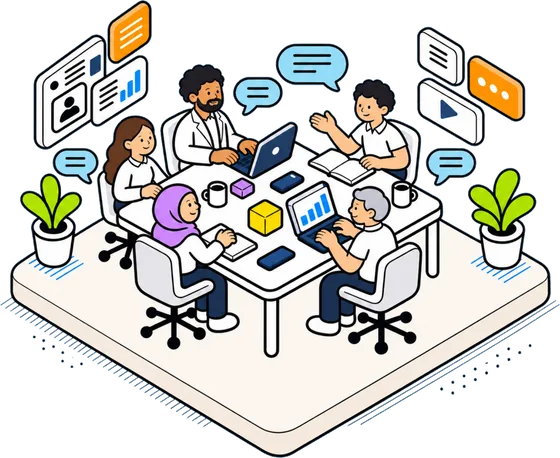
The goal of any training program should be the ability to independently plan, build, test, and launch a generative AI application. That requires a structured approach that covers the entire lifecycle from problem definition to deployment. It also requires hands-on practice with real feedback loops.
Courses that compress this into a two-day format force participants to make decisions quickly and see the consequences immediately. That pressure mirrors the reality of workplace projects, where time and resources are limited. The skills that emerge from such an experience are not theoretical. They are directly applicable to improving workflows, automating repetitive tasks, and prototyping new ideas.
Whether you are a manager looking to streamline operations or a professional wanting to add a practical skill, the path forward is the same: get your hands on the tools, work through a real project, and learn from the failures as much as the successes. That is what real skill development looks like.
❧